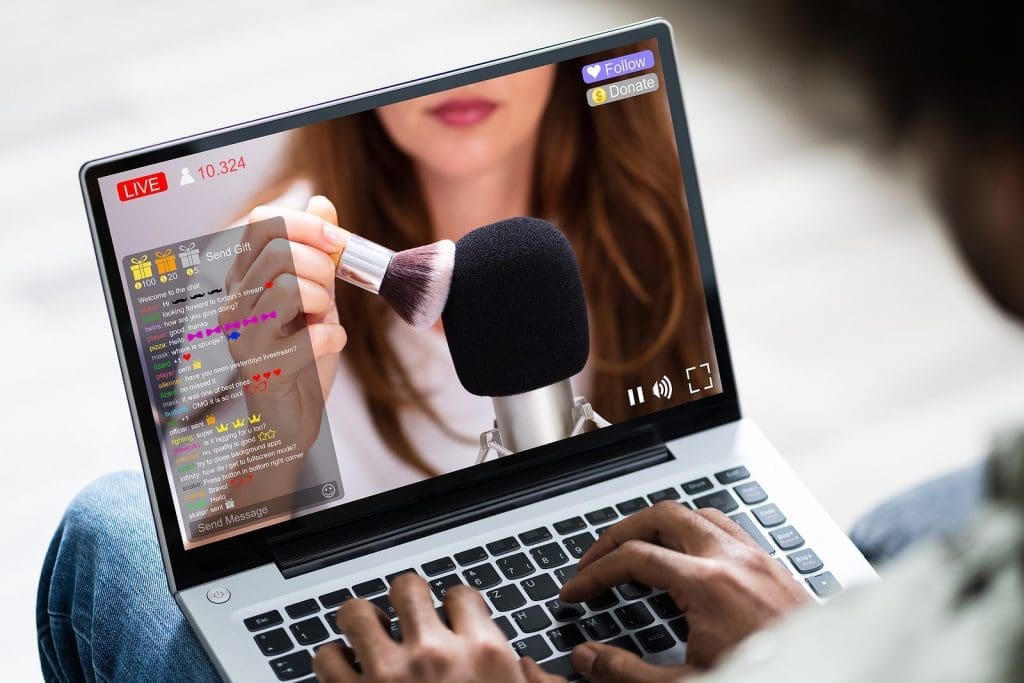

(StLouisRestaurantReview) ASMR videos involve slow, soothing movements, close-ups of intimate spaces, and attention to detail that engages the senses, fostering a calming experience. Commonplace actions such as pouring tea, folding a cloth, or raindrops on the glass can become fascinating pieces of visual art. Dreamina AI makes it simple for creators to bring their written concepts to life in motion without the trouble of in-person filming. The video generation features experimentation with lighting, textures, camera movement, and atmosphere. But for it to be effective, they must be given the right cues, the images must be the same, and the audio must be carefully considered. It’s not an easy way to write ‘relaxing’ and then describe a scene and give the audience that calm, controlled feeling.
What Gives an ASMR-Inspired Video Its Soothing Character?
The visuals of ASMR usually involve close-ups, slow motion, plain backgrounds, and minimal colors. These elements help to focus attention on subtle details rather than distract the viewers. Such scenes can be explored using Dreamina’s text to video generator features, which describe the actions, surroundings, and movie-like details that can be seen. Repetitive actions like turning pages or sorting through items can create a sense of comfort and rhythm. Glossy ceramic, knitted fibers, condensation, and other tactile textures add depth to the image. But unlike the auditory sensory detail, visual calm may not be experienced by all, and ASMR is not for everyone. Check the final audio in isolation, as soothing imagery alone can’t ensure true ASMR sounds.
Six Sensory Scenes to Explore With Dreamina AI
With Dreamina AI, creators can explore mundane topics and breathe life into ordinary actions and turn them into vivid scenes. Here are six ideas to keep in mind when creating a new soothing video.
- The sound of rain on the window: Talk about the small raindrops collecting and dripping down the window below gentle, soft light. Avoid moving the camera and keep the background light to a minimum.
- Tea-making ritual: Display warm steam rising from a ceramic tea cup, and the pouring of tea in a steady stream. Check if there are unnatural shapes in the liquid.
- Soft fabric and folds: Photograph hands playing with knitted cloth, making it smooth over a clean surface. Focus on the visible fibres, controlled movements, and the soft side lighting.
- Slow page turner: Show a book opening in front of a slow page turner. Make sure fingers stay in the right position, all edges of the paper are included, and continuity is maintained throughout the sequence.
- A miniature garden: Add water droplets on moss, small leaves, and delicate stones. Avoid too much depth of field and movement.
- Organized object arrangement: Demonstrate a neat sequence of small objects. Keep shapes, movement, and framing uniform.
Write Prompts Around Texture, Tempo, and Sensory Detail
Great prompts are the instructions that turn a mood into something that can be observed. Rather than asking for a cosy video, mention what the video is about, what is happening, the location, the lighting, the distance of the camera, the speed of movement, and the colouring. Explain condensation on glass surfaces, brushed wood surfaces, knitted fibers, or edges of paper. Use words like slow, continuous motion or steady close-up, as appropriate, to describe movement. Dreamina AI can use these details to generate a video draft. But the results that are generated may not necessarily obey all instructions. Keep actions to a minimum, as too many or crowded compositions can counter the desired sense of peace.
Steps to Create Cozy, Soothing ASMR-Style Scenes Using Text-to-Video Prompts
Step 1: Set the mood with a calming prompt
- Sign up or log in to Dreamina, and settle into a quiet, calm creative space.
- Move to the “Create” tab in the left menu and select the “AI video” option.
- Describe the cozy look and feel you want, adding elements, sound, background, theme, and concept.
Step 2: Pick a model and bring the scene to life
- Scan the bottom of the dialogue box and choose a model for your soothing scene.
- Models such as Dreamina Seedance 2.5, Dreamina Seedance 2.0, Dreamina Seedance 2.0 Fast, Dreamina Seedance 2.0 Mini, Dreamina Seedance 1.0, etc., are available.
- Click “Omni reference” to guide the AI with multiple reference images for accurate video results.
- Open the “Aspect ratio” and “Resolution” tabs, then select a custom aspect ratio and resolution.
- Finally, click the “Generate” tab and begin creating your calm, cozy ASMR scene right now.
Step 3: Soften the details and save your scene
- If the mood feels slightly off, choose “Edit prompt” or “Regenerate” to refine the scene.
- Smooth details with the “Edit video” option on your generated video until it feels soothing.
- Use “Edit segment” to rework only part of the video while keeping the rest peaceful.
- Stretch the moment with “Extend video”, or polish it using “Creative upscale” for better quality.
- Dreamina gives you complete freedom to edit your video in whatever gentle way you like.
- Finally, click “Download” at the top right of the interface to save the video locally.
Pair Gentle Motion With Thoughtful Sound Design
The right sound can add to the calming visual experience. Think about light rain, water sounds, brushing fabrics, or turning paper. The audio-generation options provided by Dreamina AI may vary based on the specific model and workflow chosen. Even when sounds are provided as prompts, the sounds made may not be exactly what is seen happening. Carefully listen for clipping, volume jumps, noise, and sync issues. Try to use original recordings or sound effects that are licensed to prevent any issues with copyright. If there is a possibility of the audience watching the video without sound, make sure that the visuals convey the desired mood on their own.
Maintain Visual Continuity and a Relaxed Viewing Experience
A sudden change of texture and shape of objects, abrupt cuts, or sudden camera moves can ruin a relaxing sequence. Use a limited color palette, repeat elements of visual interest, and select appropriate transitions to match the flow of the scene. While longer clips allow for more gradual actions, length does not make for a peaceful experience. Check all videos at regular speed and check out significant pictures for generation problems. Cut down on distracting moments before exporting the final version. If you’re creating a longer compilation, arrange the scenes by texture, action, or emotion, and not by random selection of unrelated images. Consistency is a key factor in making each sequence feel intentional and connected.
Conclusion
Dreamina AI provides a creative tool that allows users to delve into calming visual ideas using intricate prompts and video drafts. Deliberate textures, gentle movement, appropriate lighting, cohesive compositions, and well-screened audio are all key factors to strong ASMR-inspired content. Start with a simple task first, like pouring tea or folding cloth, and add more to that. Iterate the prompt until the motion and atmosphere are appropriate for the envisioned experience. Lastly, check out visuals and audio prior to publishing. Thoughtful experimentation produces more cohesive results than relying on a single generation to deliver perfection.
Martin Smith is the founder and Editor-in-Chief of St. Louis Restaurant Review, STL.News, USPress.News, and STL.Directory. He is a member of the United States Press Agency (ID: 31659) and the US Press Agency.


